
Wallet Setup
Overview
This page explains how to complete wallet setup in Ghast AI and how to interpret the create, import, unlock, and automatic lock controls on your first visit.
First choice
For most new users there are only two choices when the wallet page opens:
- Create a new wallet.
- Import an existing wallet.
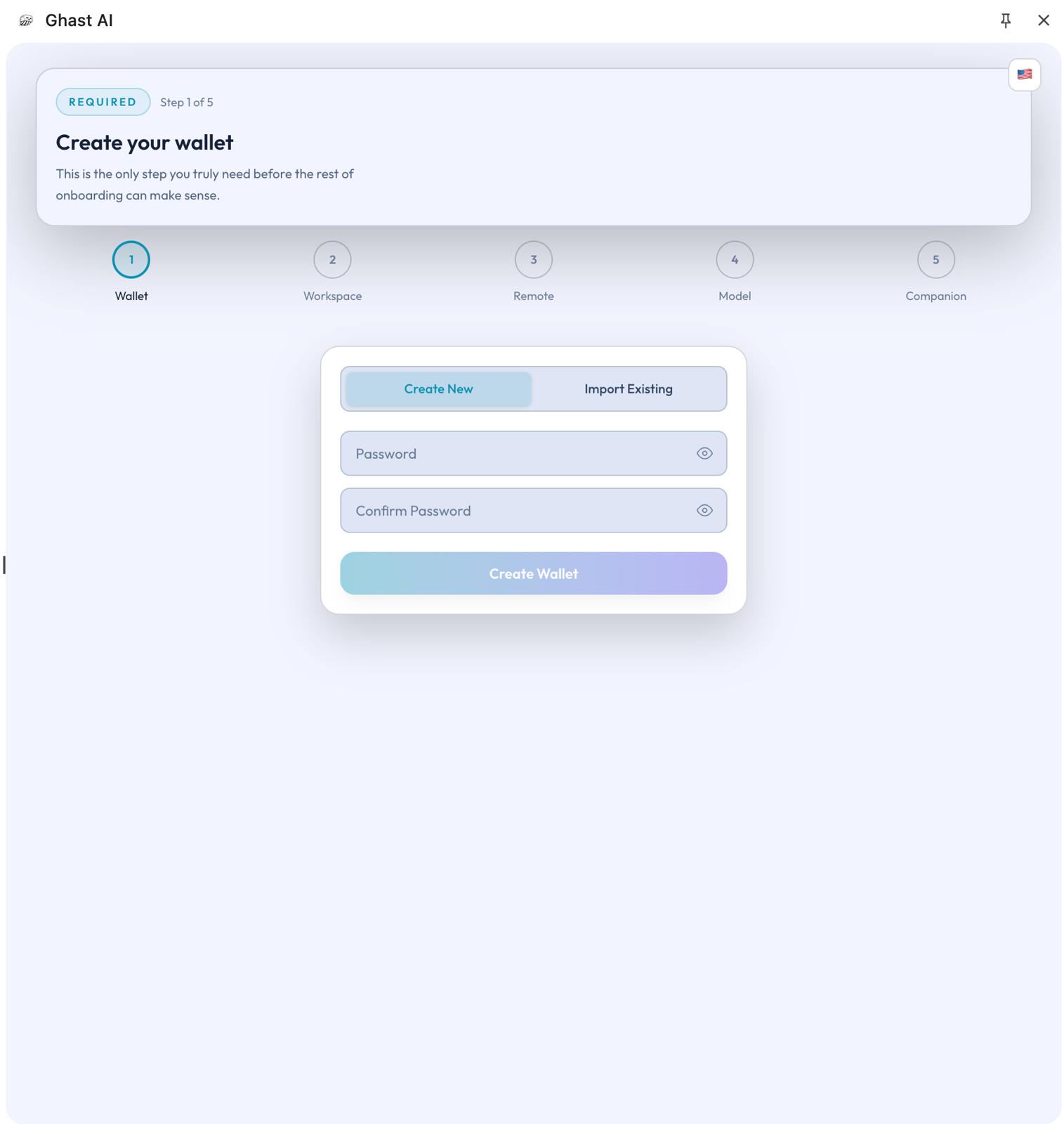
Figure: Wallet creation and import page
On your first run, just finish one of those two flows. You do not need to handle exports, automatic locking, or any advanced management actions up front.
Create or import
Create a new wallet
Choose this path if you do not already have a wallet, or if you want to keep your Ghast AI usage separate from other wallets.
Import an existing wallet
Choose this when you already have a wallet you regularly use and want to continue managing the same assets and accounts.
Either way, think of the step simply as establishing a local wallet entry for Ghast AI, not as a full wallet migration.
Lock and unlock
The wallet is not meant to stay unlocked permanently. A better way to approach it is:
- Unlock when you need wallet capabilities for the current session.
- Lock to put the wallet back into a safer state when you are done.
- Automatic locking is the default protection that reduces exposure risk over long periods.
For most users, keeping automatic locking enabled is the safer choice.
When to use export
Although the page offers export-related controls, they are not part of your first-use focus. Follow this sequence instead:
- Finish creating or importing a wallet.
- Use the wallet to get through the basic setup.
- Only when you have a clear need should you dive into export or other management actions.
Relationship with Companion
Even after you install Companion, the wallet boundary remains inside the extension. Remember that wallet setup is handled primarily here rather than in Companion.
The wallet setup page is the main wallet entry point in Ghast AI today. Most users only need to create or import a wallet initially and keep automatic locking on; export and deeper wallet management come later when you know you need them.